GTA VI Preloads Begin Nine Days Before Launch
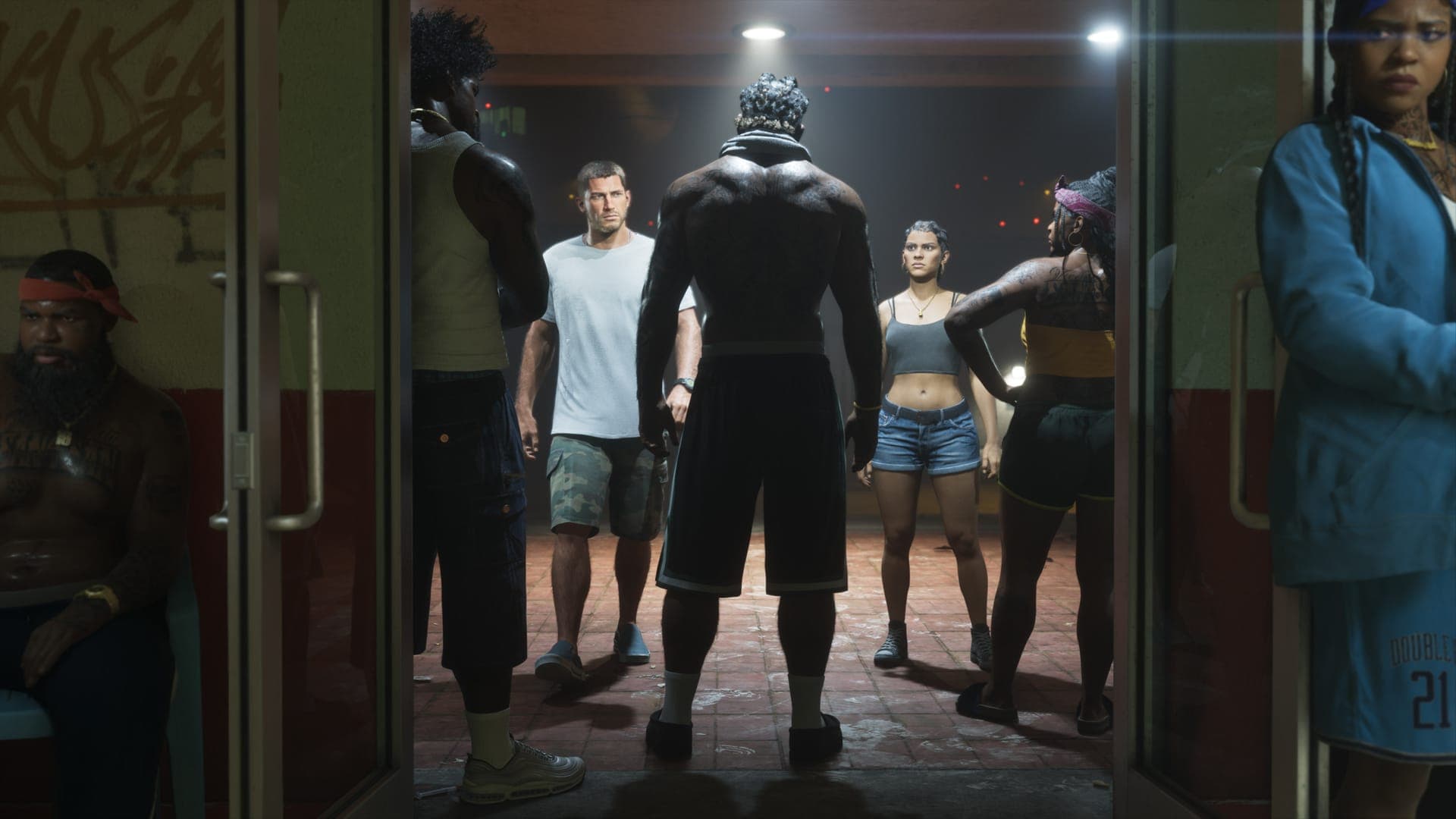
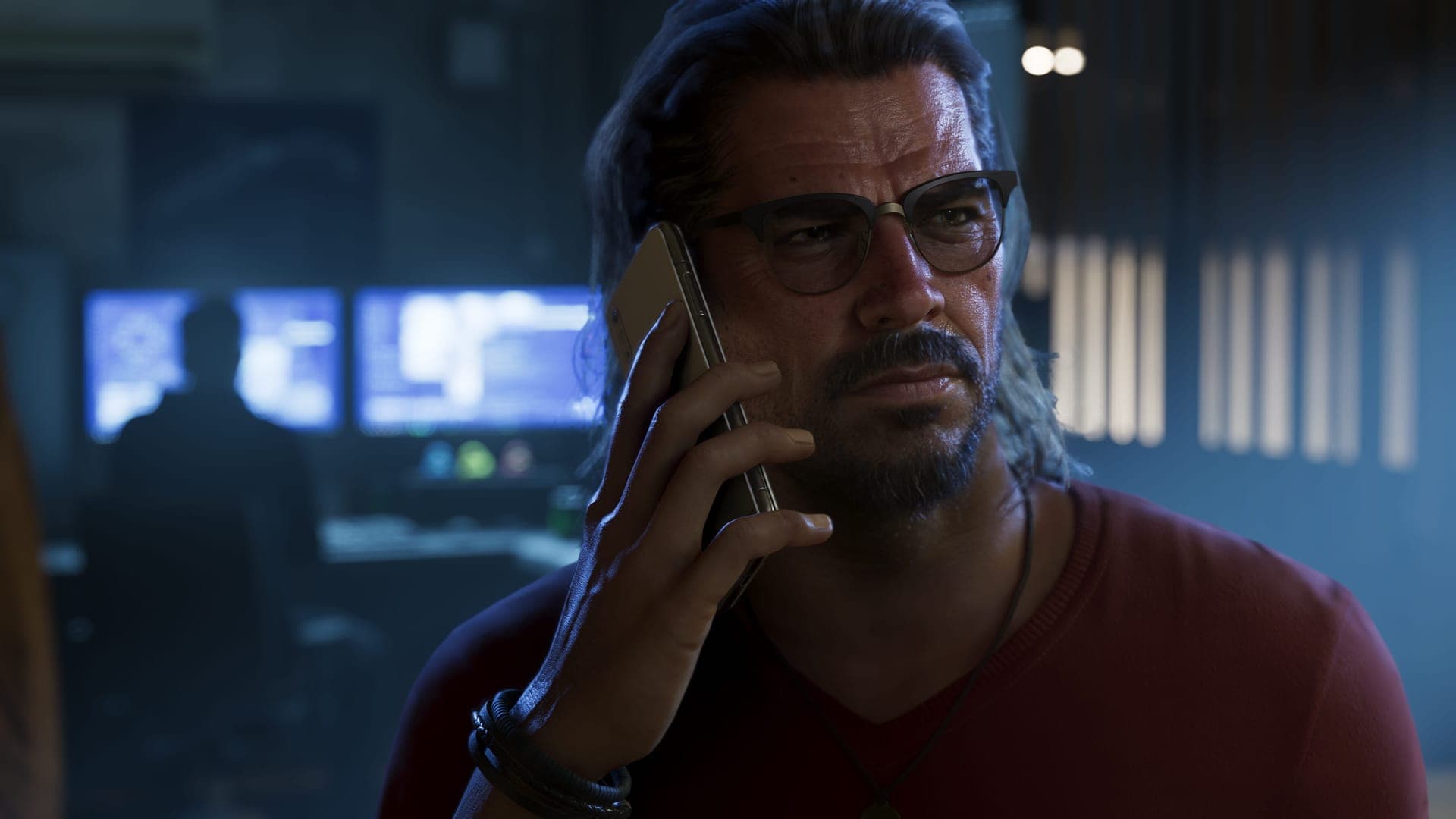
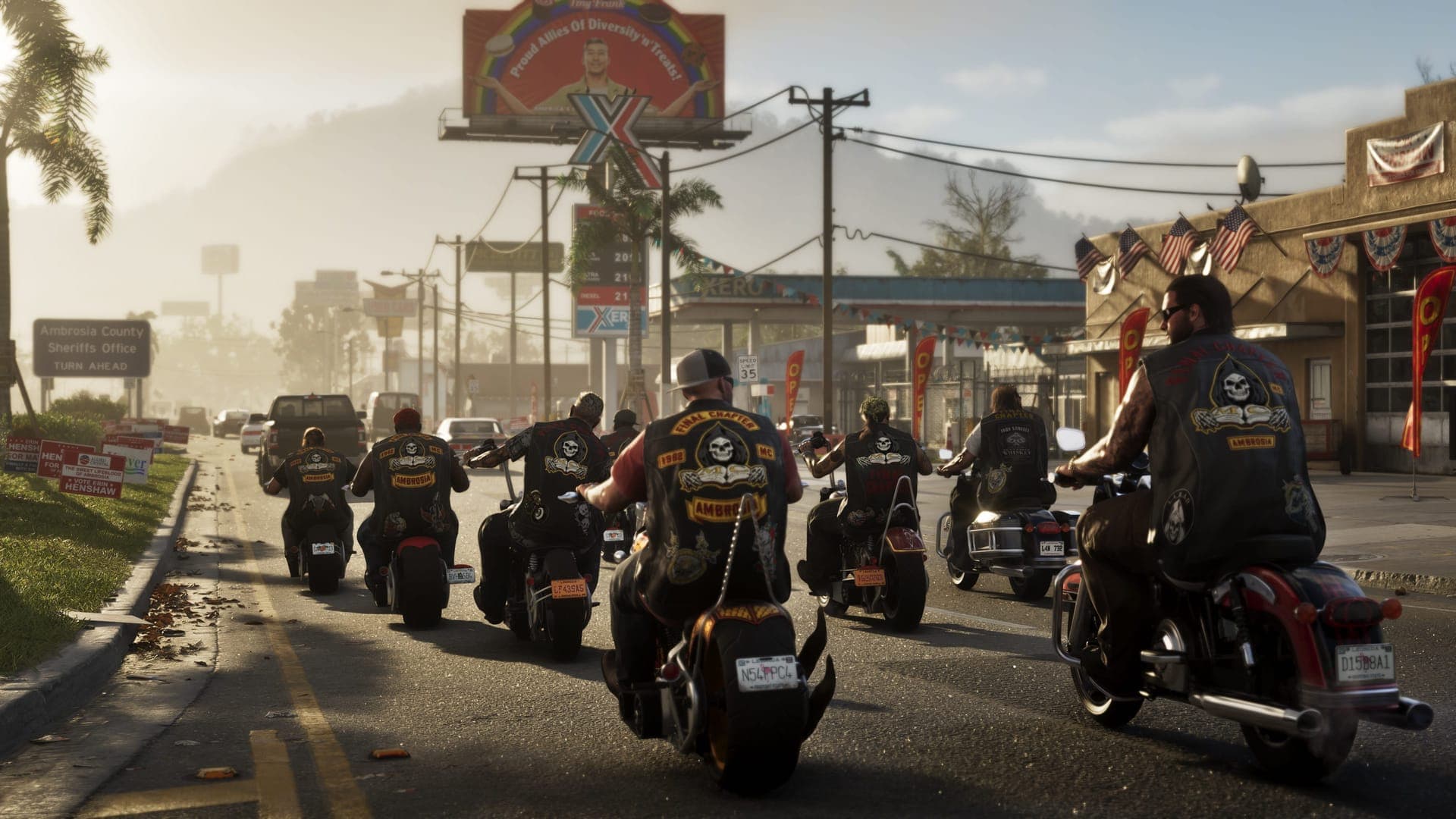
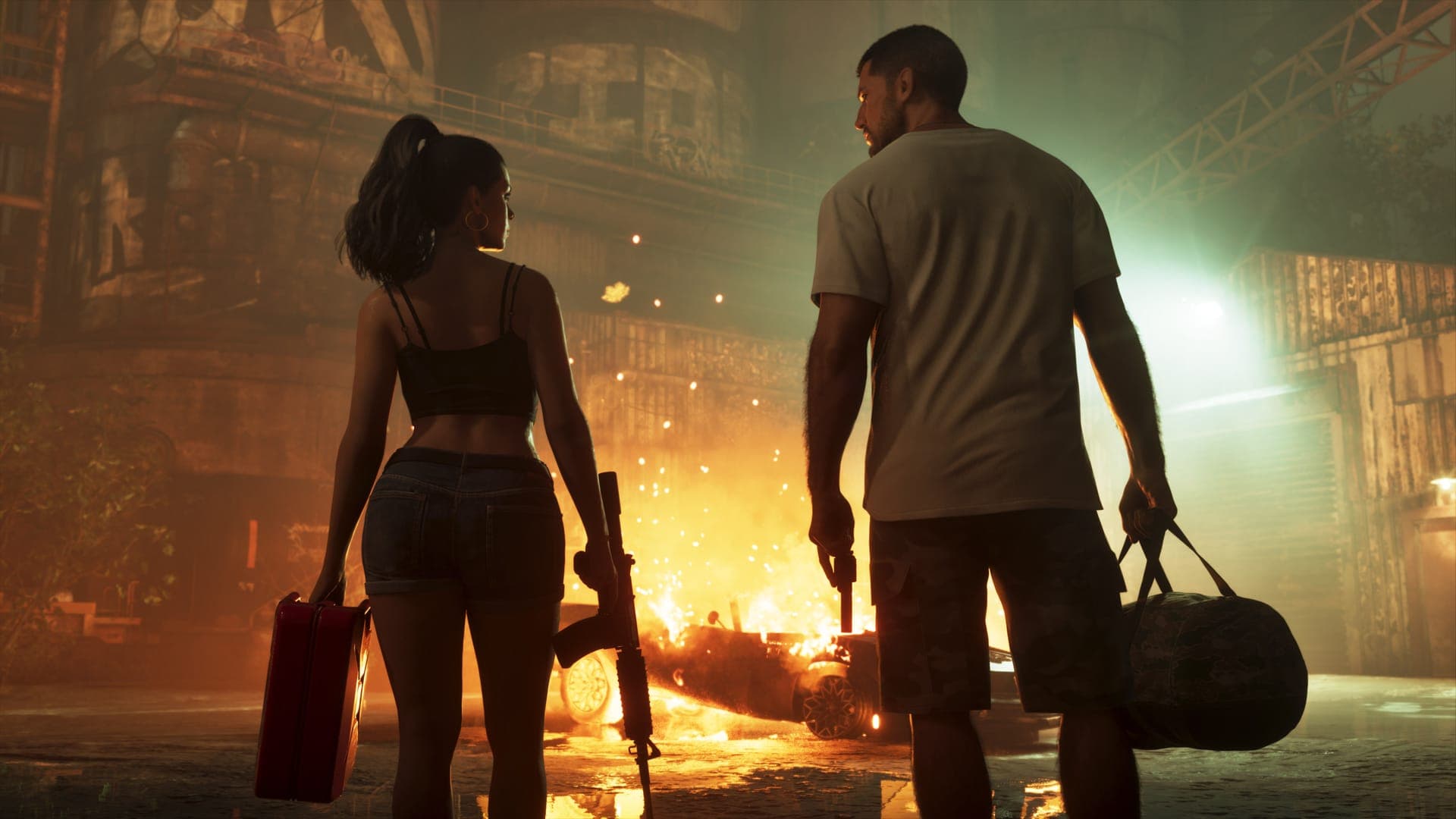
Grand Theft Auto VI preloads are set to start nine days ahead of the official release, sparking excitement among fans.

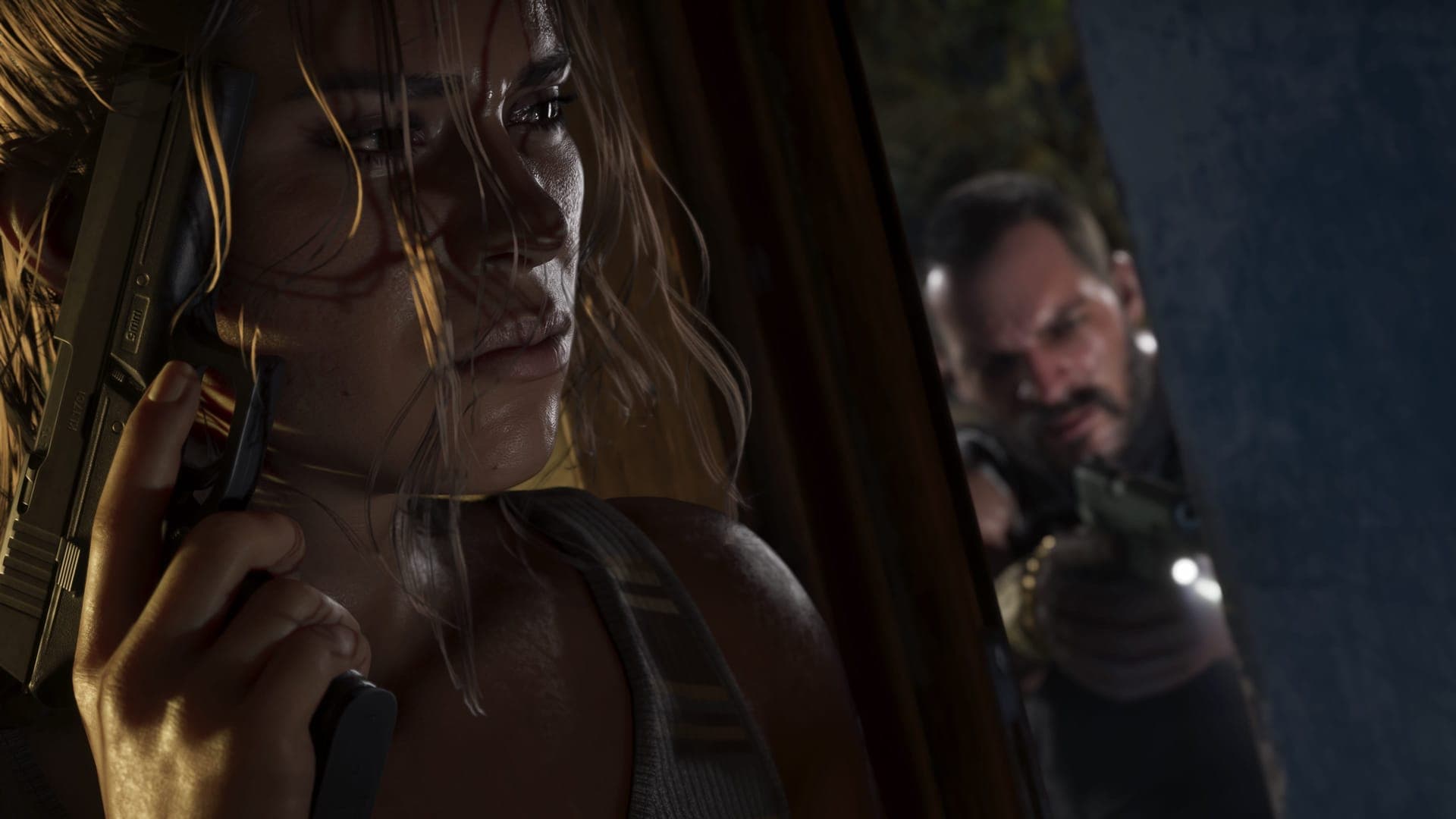
Screenshot © Rockstar Games (official press kit)
This article may discuss unverified claims. Proceed carefully.
Quick answer
Grand Theft Auto VI will allow players to start preloading the game nine days before its official launch, enhancing the anticipation for its release.
What is a Preload?
A preload is a feature that allows players to download a game before its official release date. This means that once the game launches, players can start playing immediately without waiting for a lengthy download. Many gamers believe that preloading is a standard practice for major releases, but not all games offer this feature.
When Does GTA VI Open Preloads?
Grand Theft Auto VI is set to open preloads nine days before its launch. This means that players can begin downloading the game on [insert specific date] to ensure they are ready to dive into the action as soon as it becomes available.
How Does Preloading Work?
Preloading is designed to streamline the gaming experience. After purchasing the game digitally, players can download the entire game or a significant portion of it ahead of time. Once the game is officially released, players can access it without additional downloads. This is particularly beneficial for those with slower internet connections.
What Are the Benefits of Preloading?
Preloading offers several advantages:
- Immediate Access: Players can start playing right at launch.
- Reduced Server Load: Spreading out downloads can alleviate server congestion on launch day.
- No Waiting Time: Players avoid the frustration of waiting for downloads while others are already playing.
What Should Players Prepare for Preloading?
To make the most of the preload feature, players should:
- Ensure they have enough storage space on their console or PC.
- Check for any updates to their gaming platform to avoid issues.
- Familiarize themselves with the preload process on their specific platform, whether it’s PlayStation, Xbox, or PC.
Comparison of Preloading Across Platforms
| Feature | PlayStation | Xbox | PC |
|---|---|---|---|
| Preload Availability | Yes | Yes | Yes |
| Download Size | Varies by edition | Varies by edition | Varies by edition |
| Launch Day Access | Yes | Yes | Yes |
Frequently asked questions
How do I preload GTA VI?
To preload GTA VI, purchase the game from your preferred digital store and follow the instructions for downloading it ahead of the release date.
What if I have issues with preloading?
If you encounter issues, check your internet connection, ensure you have enough storage, and verify that your console or PC is updated.
Can I cancel my preload?
Yes, you can cancel the preload if you decide not to proceed with the purchase or if you want to free up space.
Will preloading affect my game performance?
No, preloading simply allows you to download the game ahead of time; it does not affect game performance once you start playing.
Are there any pre-order bonuses for GTA VI?
Yes, pre-order bonuses are often available and can include exclusive in-game items or early access features. Check the specific store for details.
As the gaming community eagerly awaits the launch of GTA VI, the ability to preload the game is a significant step in enhancing the player experience. For more details on the game, check out our guides on everything we know about GTA VI and the GTA VI launch countdown. Stay tuned for more updates from Rockstar Newswire as the release date approaches.
Related GTA GUIDED guides
- gta 6 release date platforms
- everything we know gta 6
- how we cover leaks rumors
- gta 6 weekly news hub
Original GTA GUIDED commentary based on reporting by Anadolu Ajansı — read the original.
Sources
Related reading

GTA 6 Pre-Load and Physical Timing
Take-Two cited digital pre-loading from November 12, 2026 and physical boxes with download codes.
1 min read
GTA 6 Weekly News Hub
Evergreen landing page for weekly VI updates we publish — no leak dumps.
1 min read
GTA 6 Console Performance and FPS
Press reported Rockstar confirming 30 FPS on both consoles at launch — labeled Reported until a formal tech brief.
1 min read
Take-Two Earnings and GTA 6 Signals
Read Take-Two communications without turning earnings optimism into fake feature lists.
1 min read
GTA 6 Platforms and PC Status
Consoles are confirmed for launch; PC has not been officially announced. Here is how to read that gap without inventing dates.
2 min read
GTA 6 Trailer 2 Breakdown
Trailer 2 expanded cast, places, and crime texture. What is safe to take as official signal.
1 min read