How Does DLSS 5 Improve GTA V Performance on RTX 3060 Ti?
Discover how DLSS 5 enhances GTA V performance, achieving around 50 FPS on the RTX 3060 Ti graphics card.
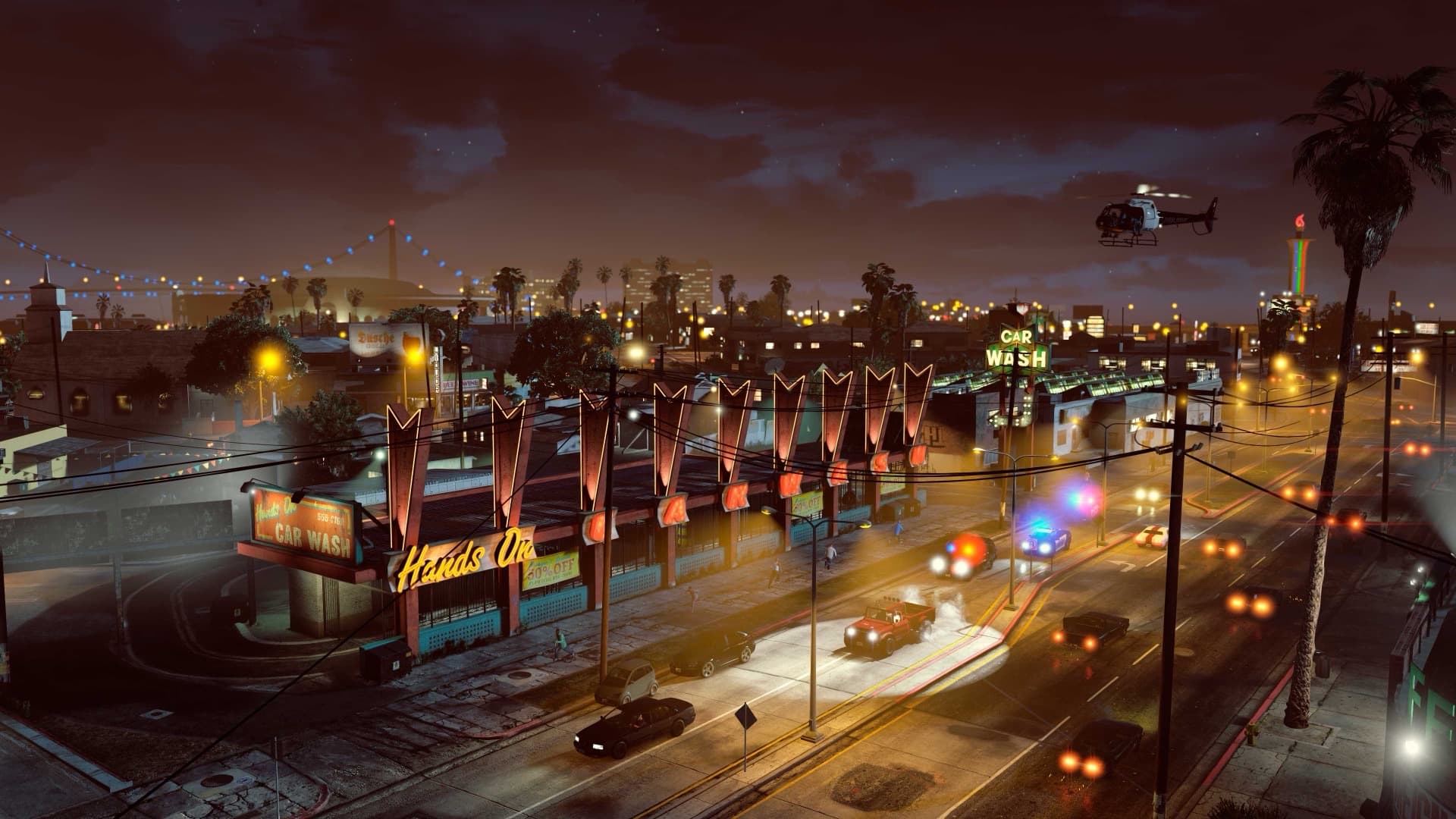
Screenshot © Rockstar Games (official press kit)
This article may discuss unverified claims. Proceed carefully.
Quick answer
DLSS 5 significantly boosts GTA V's performance, providing around 50 FPS on the RTX 3060 Ti. This advancement enhances the gaming experience, particularly for players seeking high-quality visuals.
DLSS 5, or Deep Learning Super Sampling, is a technology developed by NVIDIA that enhances the visual fidelity of games while maintaining smooth performance. In the case of GTA V, recent reports indicate that players using the RTX 3060 Ti can achieve approximately 50 FPS with this new feature enabled. This is a notable improvement, especially considering the game's age and the hardware's capabilities.
What is DLSS 5?
DLSS 5 is an advanced rendering technique that utilizes AI to upscale lower resolution images to higher resolutions, resulting in improved graphics without a significant performance hit. Many gamers have misconceptions that such technology only focuses on resolution, but it also enhances frame rates and overall gameplay smoothness.
How Does DLSS 5 Work in GTA V?
DLSS 5 operates by analyzing frames and predicting the next one, allowing for smoother transitions and reduced lag. This is particularly beneficial in a vast open-world game like GTA V, where performance can fluctuate due to the extensive graphics and physics calculations.
What Are the Performance Gains with DLSS 5?
The introduction of DLSS 5 has shown a remarkable increase in performance metrics. Players using the RTX 3060 Ti can expect around 50 FPS on high settings, which is a significant boost compared to playing without DLSS. This advancement allows for a more immersive experience, especially during intense action sequences.
| Feature | Without DLSS 5 | With DLSS 5 |
|---|---|---|
| Average FPS | ~30 FPS | ~50 FPS |
| Visual Quality | Medium | High |
| Input Lag | Higher | Lower |
Are There Any Limitations to DLSS 5?
While DLSS 5 offers impressive performance improvements, it is not without its limitations. Some gamers have reported minor visual artifacts, especially in fast-moving scenes. Additionally, not all graphics cards support DLSS 5, which may restrict access for some players.
How Does DLSS 5 Compare to Previous Versions?
DLSS 5 represents a significant leap from its predecessors. Previous versions primarily focused on resolution upscaling, while DLSS 5 enhances frame rates and reduces input lag, providing a more responsive gaming experience. This makes it a game-changer for titles like GTA V, which thrive on smooth gameplay.
Frequently asked questions
What graphics cards support DLSS 5?
DLSS 5 is primarily supported on NVIDIA's latest RTX series graphics cards, including the RTX 3060 Ti, RTX 3070, and above.
Can I use DLSS 5 with older versions of GTA V?
DLSS 5 is designed for the enhanced version of GTA V, which is optimized for newer hardware. Older versions may not support this technology.
Will DLSS 5 impact my game’s visuals negatively?
While DLSS 5 generally improves visuals, some users have reported minor artifacts. However, most players find the visual quality to be superior overall.
How do I enable DLSS 5 in GTA V?
To enable DLSS 5, navigate to the graphics settings in GTA V and select the DLSS option, ensuring your graphics card is compatible.
Is DLSS 5 available on all platforms?
Currently, DLSS 5 is exclusive to PC versions of games that support this technology, particularly those optimized for NVIDIA RTX graphics cards.
For those interested in exploring more about GTA V, check out our guides on everything we know about GTA V and GTA V's enhanced PC features. For insights on the upcoming GTA VI, visit everything we know about GTA VI.
Related GTA GUIDED guides
- gta 6 release date platforms
- everything we know gta 6
- how we cover leaks rumors
- gta 6 weekly news hub
Original GTA GUIDED commentary based on reporting by GameGPU — read the original.
Sources
Related reading
GTA 6 Weekly News Hub
Evergreen landing page for weekly VI updates we publish — no leak dumps.
1 min read
GTA 6 Console Performance and FPS
Press reported Rockstar confirming 30 FPS on both consoles at launch — labeled Reported until a formal tech brief.
1 min read
Take-Two Earnings and GTA 6 Signals
Read Take-Two communications without turning earnings optimism into fake feature lists.
1 min read
GTA 6 Platforms and PC Status
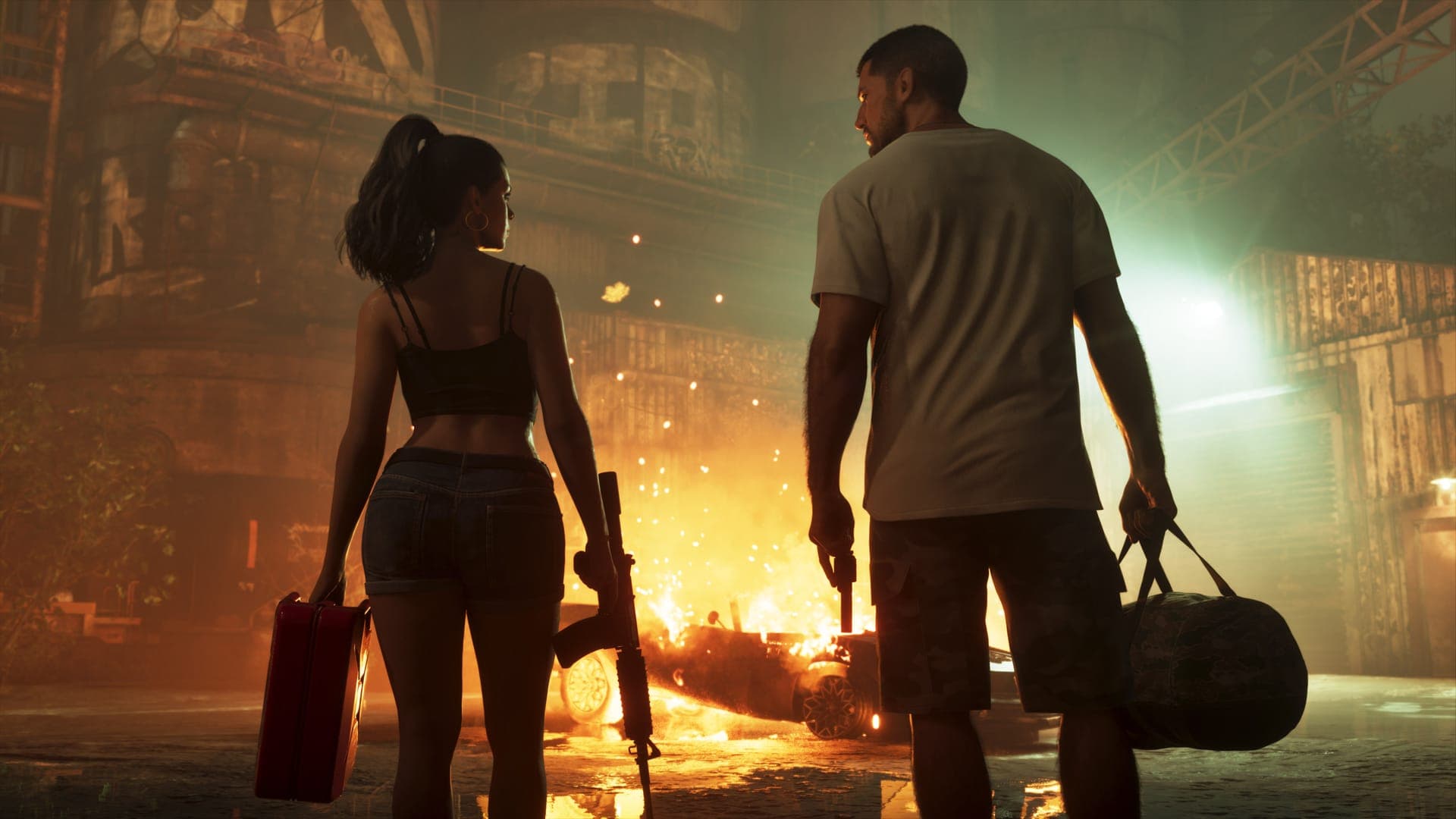
Consoles are confirmed for launch; PC has not been officially announced. Here is how to read that gap without inventing dates.
2 min read
GTA 6 Trailer 2 Breakdown
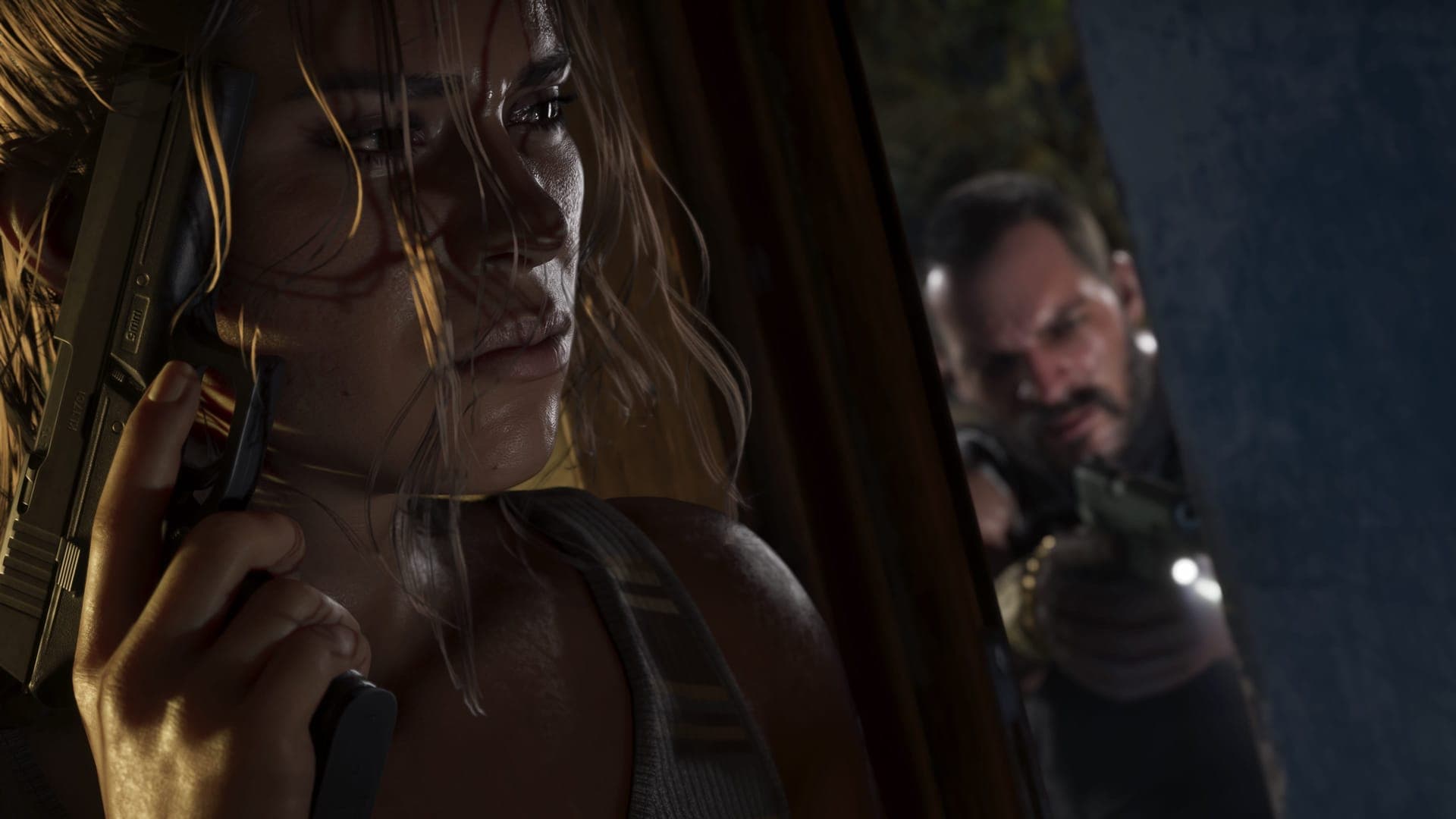
Trailer 2 expanded cast, places, and crime texture. What is safe to take as official signal.
1 min read
GTA 6 Trailer 1 Breakdown
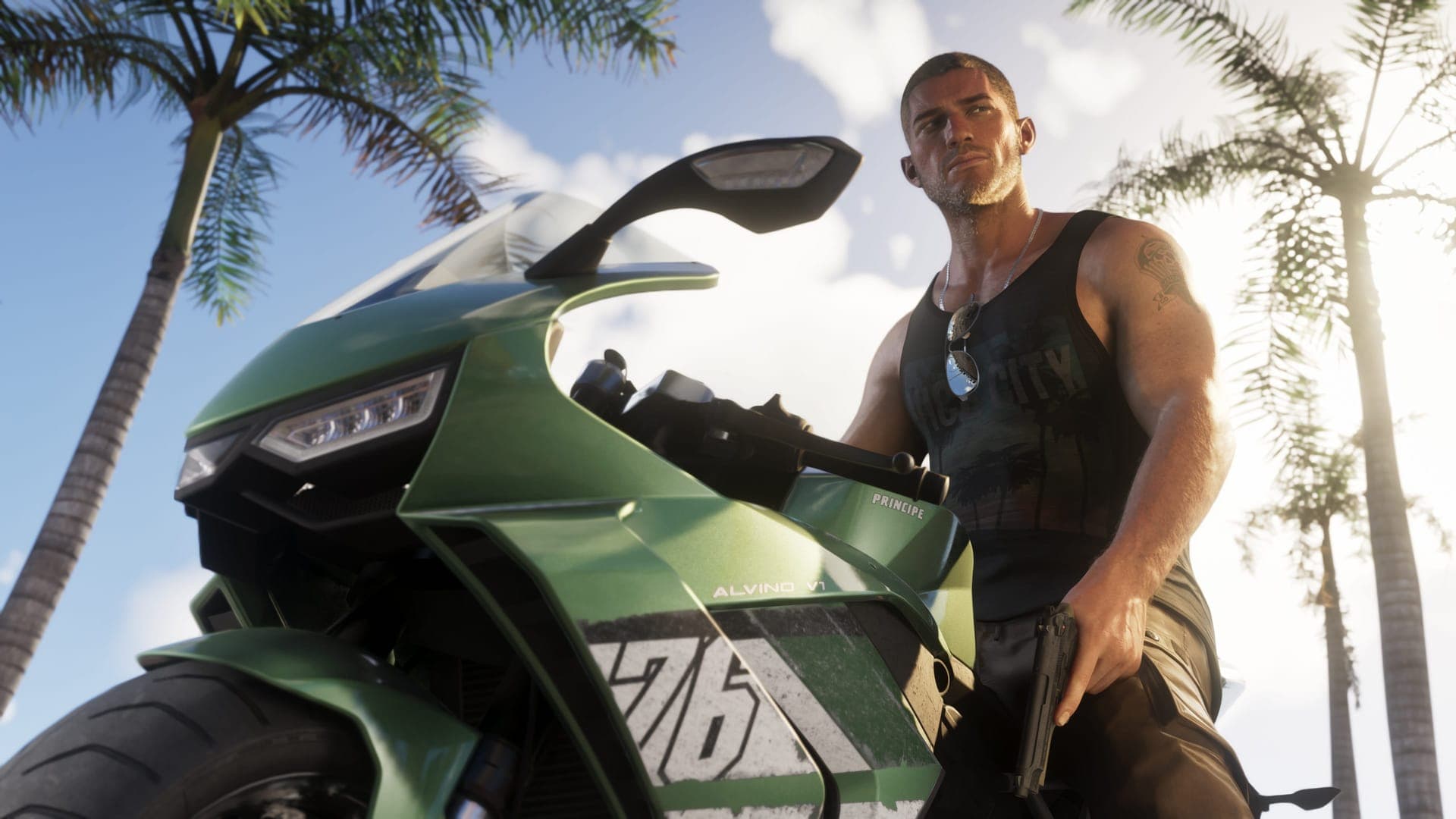
What Trailer 1 officially showed about Lucia, Jason, Vice City energy, and how to watch it without rumor noise.
1 min read