How Much Will GTA 6 Streaming Cost on Xbox Cloud?
Discover the pricing for streaming GTA 6 on Xbox Cloud and what it means for gamers.
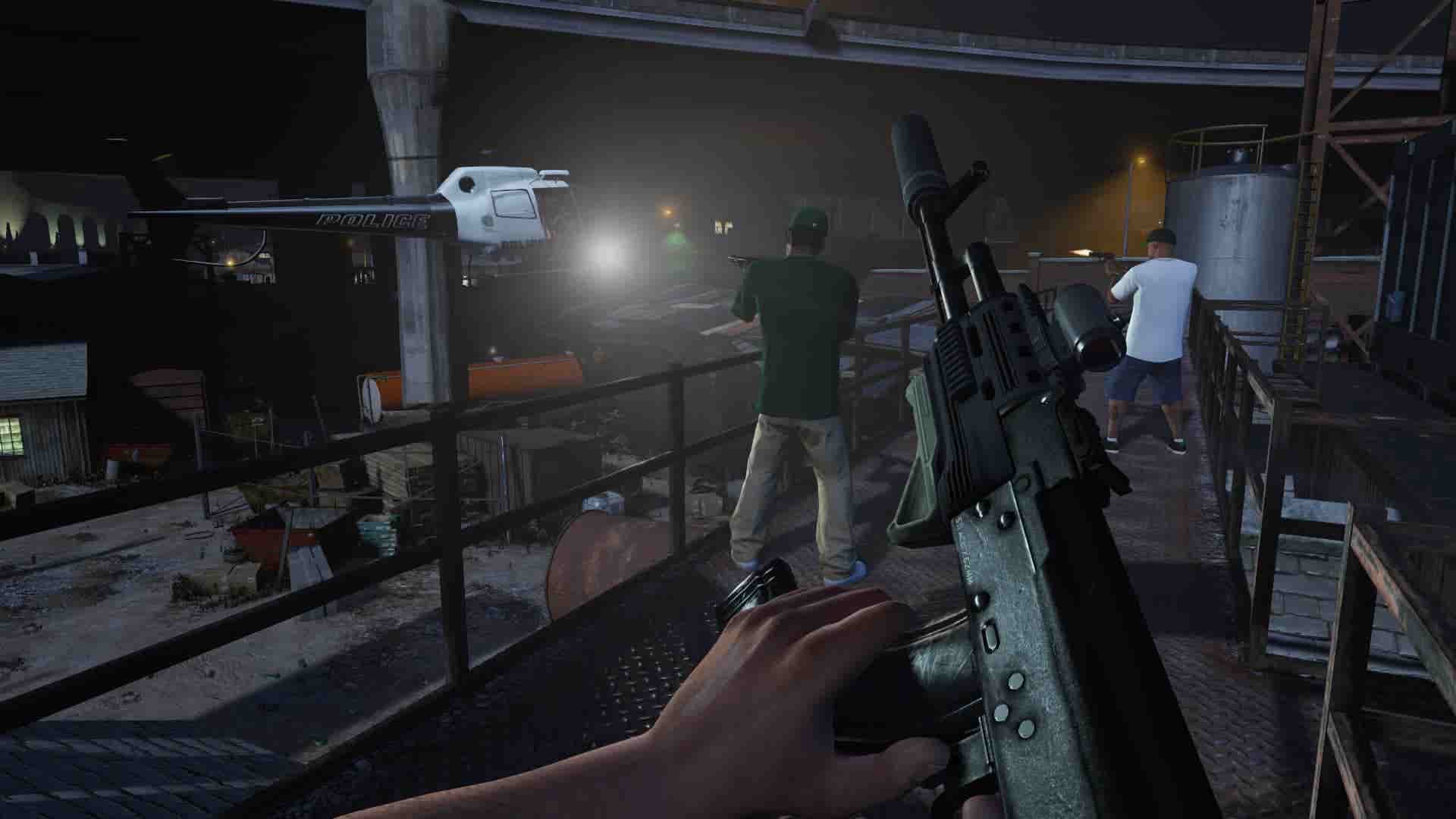
Screenshot © Rockstar Games (official press kit)
This article may discuss unverified claims. Proceed carefully.
Quick answer
Streaming GTA 6 on Xbox Cloud is projected to cost just $24 for 100 hours, making it an affordable option for gamers.
What is Xbox Cloud Streaming?
Xbox Cloud Streaming allows players to stream games directly to their devices without the need for a console. This service is part of Xbox Game Pass and is designed to provide gamers with a more flexible way to play their favorite titles, including the highly anticipated GTA 6.
How Much Will It Cost to Stream GTA 6?
According to recent reports, streaming GTA 6 for a total of 100 hours on Xbox Cloud will cost approximately $24. This pricing model offers an economical alternative to purchasing the game outright, especially for those who may not play frequently.
What Are the Benefits of Streaming GTA 6?
Streaming GTA 6 through Xbox Cloud provides several advantages:
- Affordability: At $24 for 100 hours, it's a cost-effective way to enjoy the game.
- Accessibility: Players can access the game on various devices, making it easier to play on the go.
- No Hardware Limitations: Gamers without a high-end console can still experience the game in high quality.
Are There Any Drawbacks to Streaming?
While streaming offers many benefits, there are some potential drawbacks:
- Internet Dependency: A stable and fast internet connection is crucial for a smooth gaming experience.
- Latency Issues: Streaming can introduce input lag, which may affect gameplay, particularly in fast-paced scenarios.
- Limited Playtime: After 100 hours, players will need to pay again to continue streaming.
| Feature | Streaming (Xbox Cloud) | Traditional Purchase |
|---|---|---|
| Cost for 100 hours | $24 | Varies (up to $60+) |
| Accessibility | High | Medium |
| Hardware Requirements | None | Console/PC needed |
| Internet Requirement | Essential | Not required |
How Does Xbox Cloud Compare to Other Streaming Services?
Xbox Cloud is not the only streaming service available. Other platforms like PlayStation Now and NVIDIA GeForce Now also offer game streaming. However, Xbox Cloud's pricing model and integration with Xbox Game Pass may provide a unique advantage for gamers looking to play GTA 6.
What Should Gamers Know Before Streaming GTA 6?
Before diving into streaming GTA 6, players should consider the following:
- Check Internet Speed: Ensure your internet connection meets the recommended speed for optimal performance.
- Understand the Pricing Model: Familiarize yourself with how the pricing works and any potential additional costs.
- Review Game Compatibility: Not all games may be available for streaming, so it's essential to verify that GTA 6 is included in the library.
Frequently asked questions
How do I access Xbox Cloud Gaming?
You can access Xbox Cloud Gaming through the Xbox Game Pass subscription on compatible devices.
Is there a limit on how many hours I can stream GTA 6?
Yes, the current pricing model allows for 100 hours of streaming for $24, after which additional costs may apply.
What devices can I use to stream GTA 6?
You can stream GTA 6 on various devices, including PCs, tablets, and smartphones, as long as you have a stable internet connection.
Will I need to download GTA 6 to play it on Xbox Cloud?
No, you do not need to download the game; it will be streamed directly to your device.
Are there any subscription fees for Xbox Cloud Gaming?
Yes, you will need an Xbox Game Pass subscription to access Xbox Cloud Gaming, which includes various games, including GTA 6.
For more information on GTA 6, check out our comprehensive guides on everything we know about GTA 6 and the GTA 6 release date and platforms. Additionally, stay updated by following the Rockstar Newswire for the latest announcements.
This piece is based on reporting by TweakTown. You can read the original article here.
Related GTA GUIDED guides
Sources
Related reading
GTA 6 Weekly News Hub
Evergreen landing page for weekly VI updates we publish — no leak dumps.
1 min read
GTA 6 Console Performance and FPS
Press reported Rockstar confirming 30 FPS on both consoles at launch — labeled Reported until a formal tech brief.
1 min read
Take-Two Earnings and GTA 6 Signals
Read Take-Two communications without turning earnings optimism into fake feature lists.
1 min read
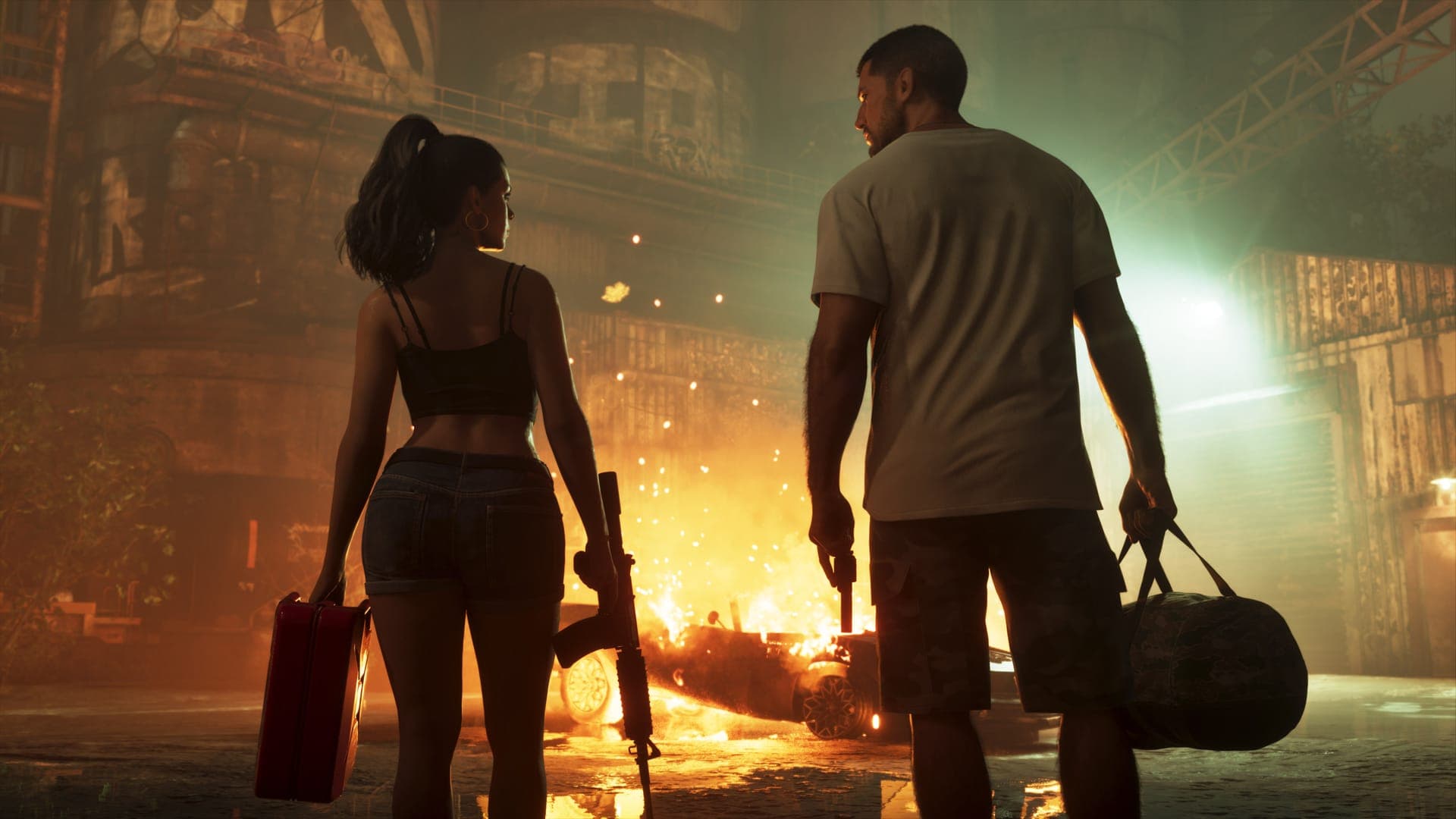
GTA 6 Platforms and PC Status
Consoles are confirmed for launch; PC has not been officially announced. Here is how to read that gap without inventing dates.
2 min read
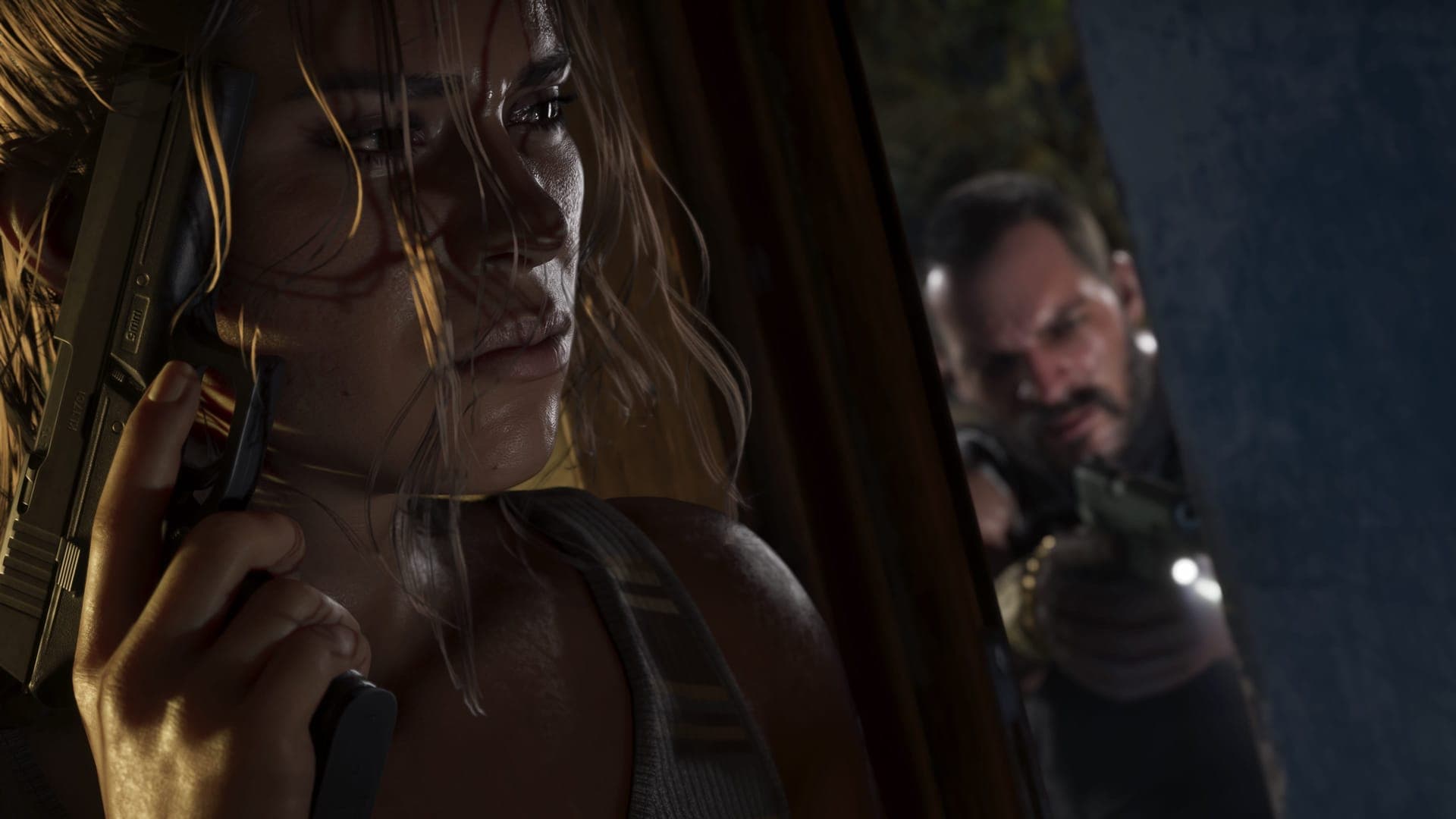
GTA 6 Trailer 2 Breakdown
Trailer 2 expanded cast, places, and crime texture. What is safe to take as official signal.
1 min read
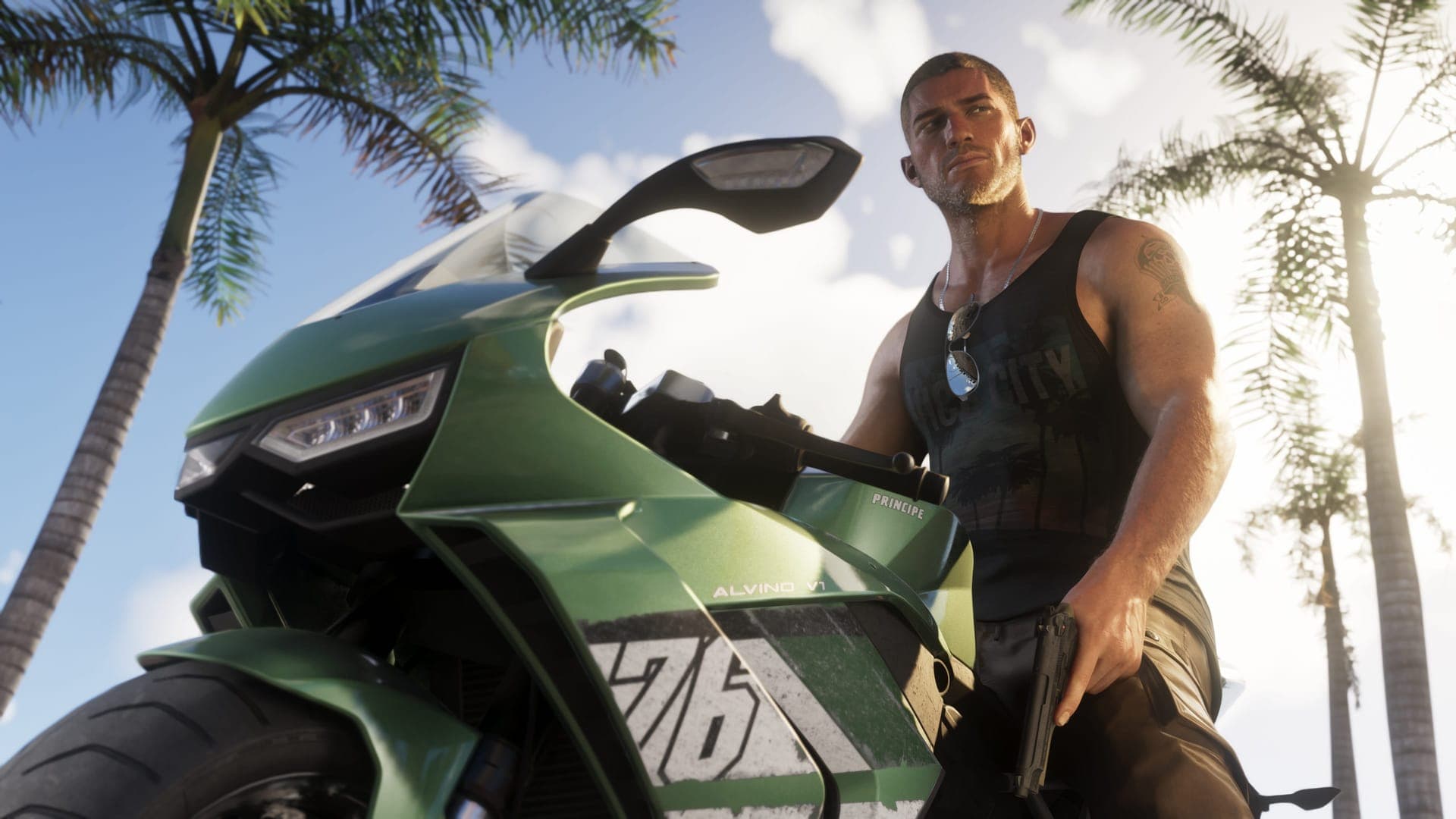
GTA 6 Trailer 1 Breakdown
What Trailer 1 officially showed about Lucia, Jason, Vice City energy, and how to watch it without rumor noise.
1 min read